
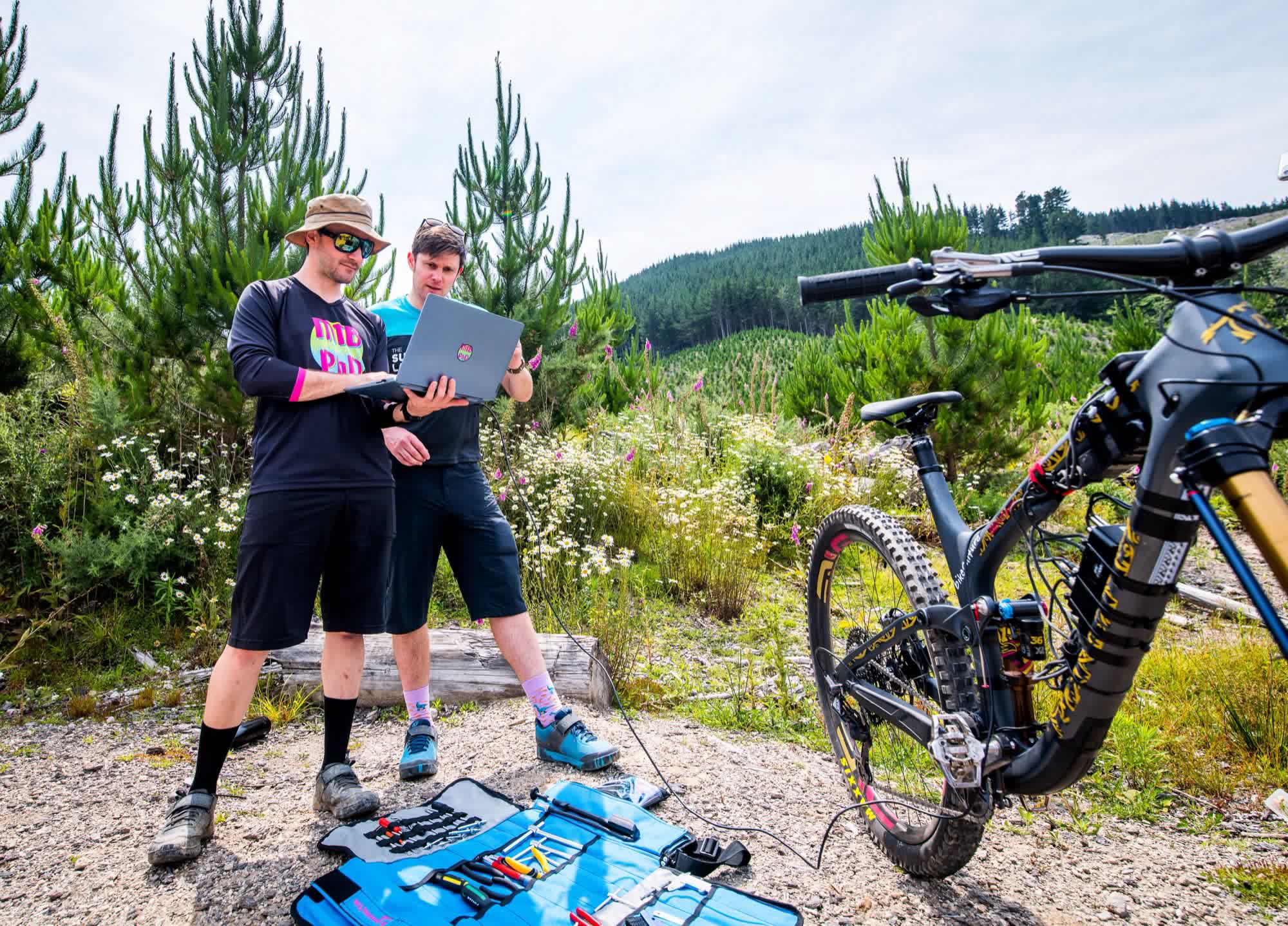
Coaches
See what your rider can't feel
There's often a gap between what a rider thinks they did on the brakes and what actually happened. BrakeAce shows that gap, mapped to the trail, so the conversation starts with evidence.
How it works for coaches
One session, start to finish
Step 01
Fit the brake sensors
The rider's own set, or rent one near you for the session.
Rent a setStep 02
The rider records the run
On iOS, Android, Garmin (beta) or Hammerhead Karoo (beta). Action camera footage syncs to the run.
Step 03
The rider sends you a share link
The link opens that run in your browser, exactly as it was recorded.
Step 04
Review and comment
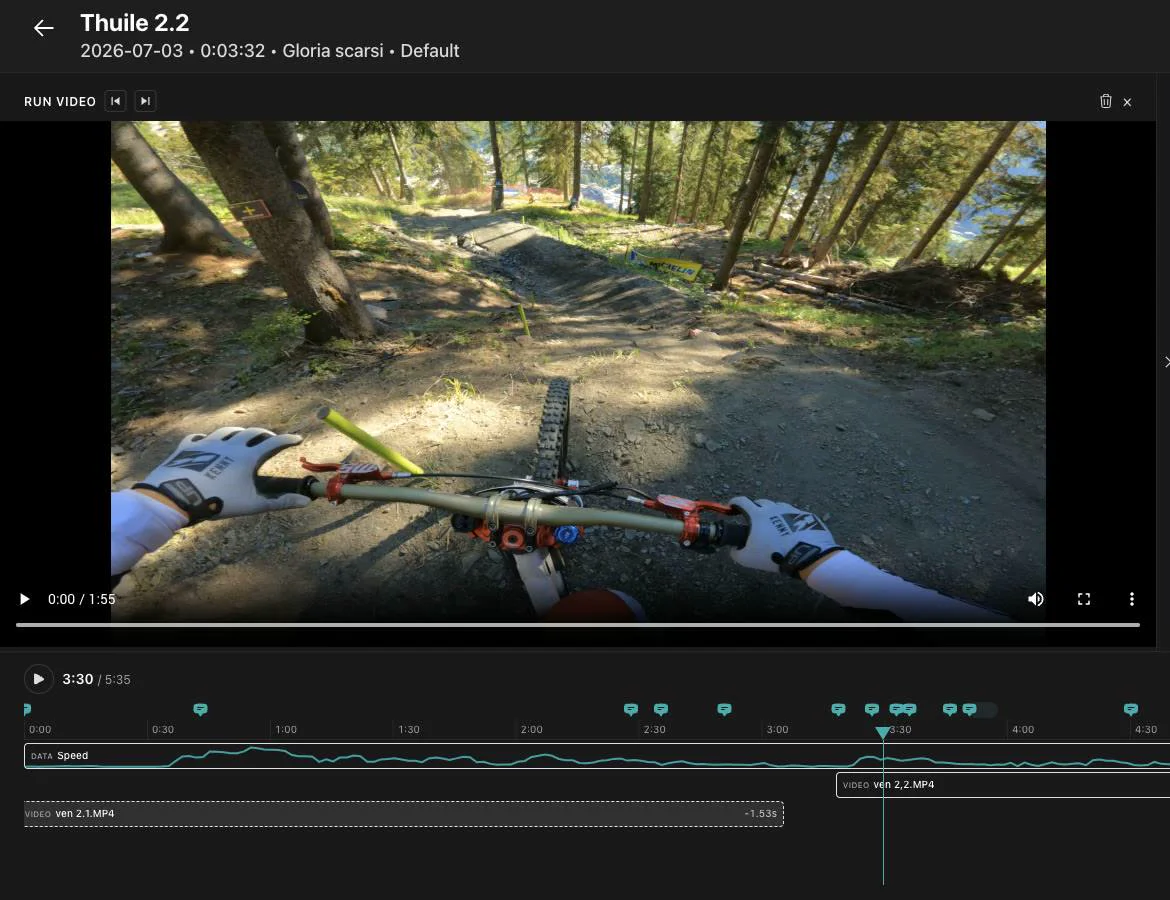
Braking graph, trail map, Key Opportunities and synced video on one timeline. Leave comments on the run so the rider knows where to look.
Step 05
Compare at the next session
Record again and compare the runs: summary, side by side with linked video, or section by section.
What you work with
Tools that fit how you coach
Share links
Each run is shared as a link to a fixed copy of the ride.
Comments on the run
Point to the corner you want to talk about.
Key Opportunities
The braking zones with the most to gain, on the trail map.
Video sync and export
Action camera footage locked to the braking, and clips with the data drawn on top.
Compare and sections
Side by side with linked video, or your own track sections run by run.
PDF report
A comparison you can hand to the rider after the session.
On the World Cup circuit
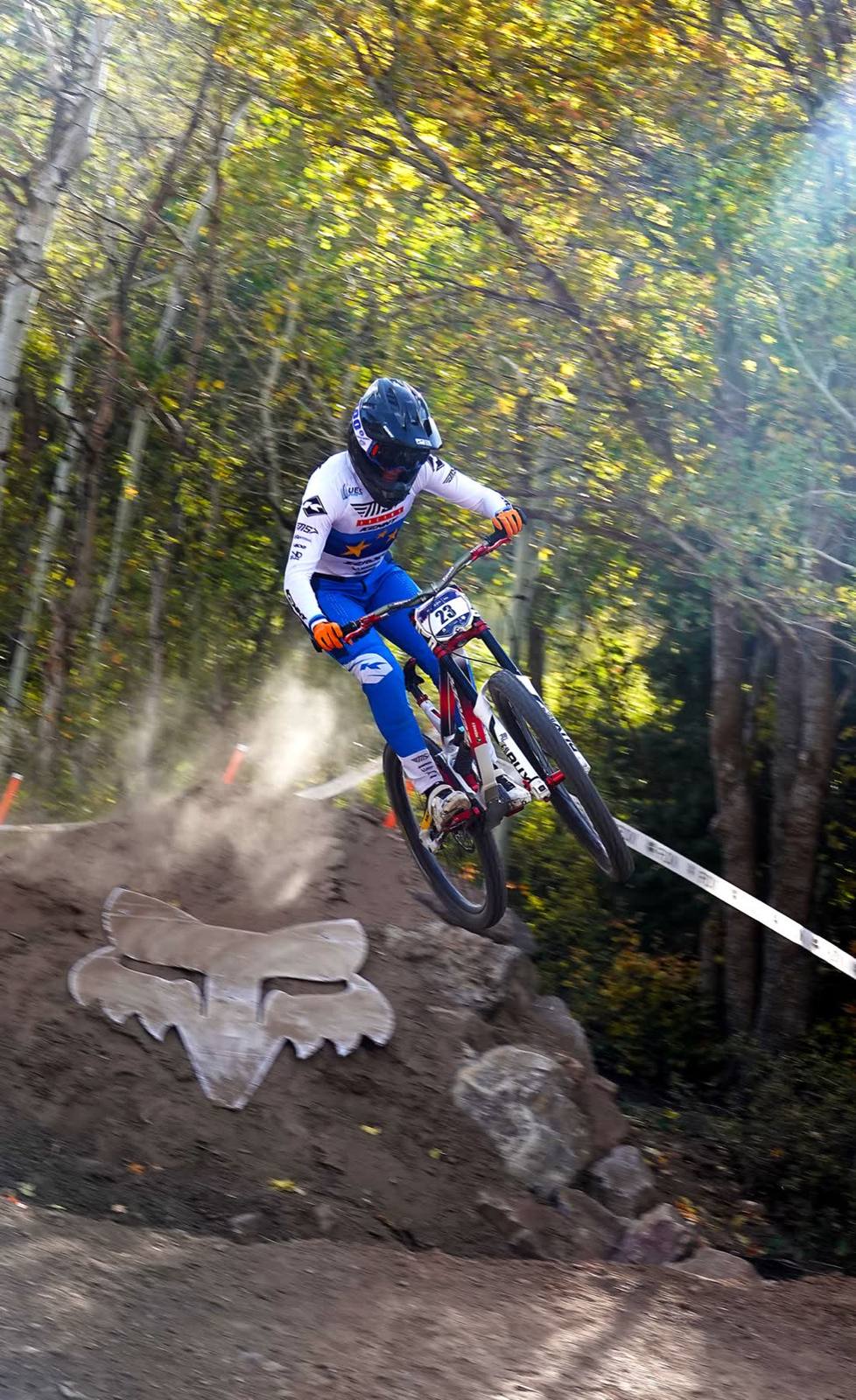
How Gloria Scarsi and MS-Racing review runs
“We compare run by run, how I brake, where I brake and how much I brake.”
Gloria went from 11th to 4th in the 2026 World Cup overall, became European champion and won the Fox US Open. The riding is hers. BrakeAce is part of how her team reviews each run.
BrakeAce for racingNo coach?
Coach yourself
Every rider gets Key Opportunities after each run, so you know which corners to work on next.
Coaching
Bring data to your next session
Talk to us about using BrakeAce with your riders, or rent a set to try it.