
Brake testing
When Pinkbike, Vital MTB and ENDURO tested brakes head to head, they measured them with BrakeAce sensors.
All 33 articles“…some BrakeAce sensors… combining on-trail impressions with cold hard data.”
Racing
Proof
When Pinkbike, Vital MTB and ENDURO tested brakes head to head, they measured them with BrakeAce sensors.
All 33 articles“…some BrakeAce sensors… combining on-trail impressions with cold hard data.”
R&D engineers at Specialized, SRAM, Fox, TRP, Shimano and other brands use BrakeAce sensors to develop and test their products.




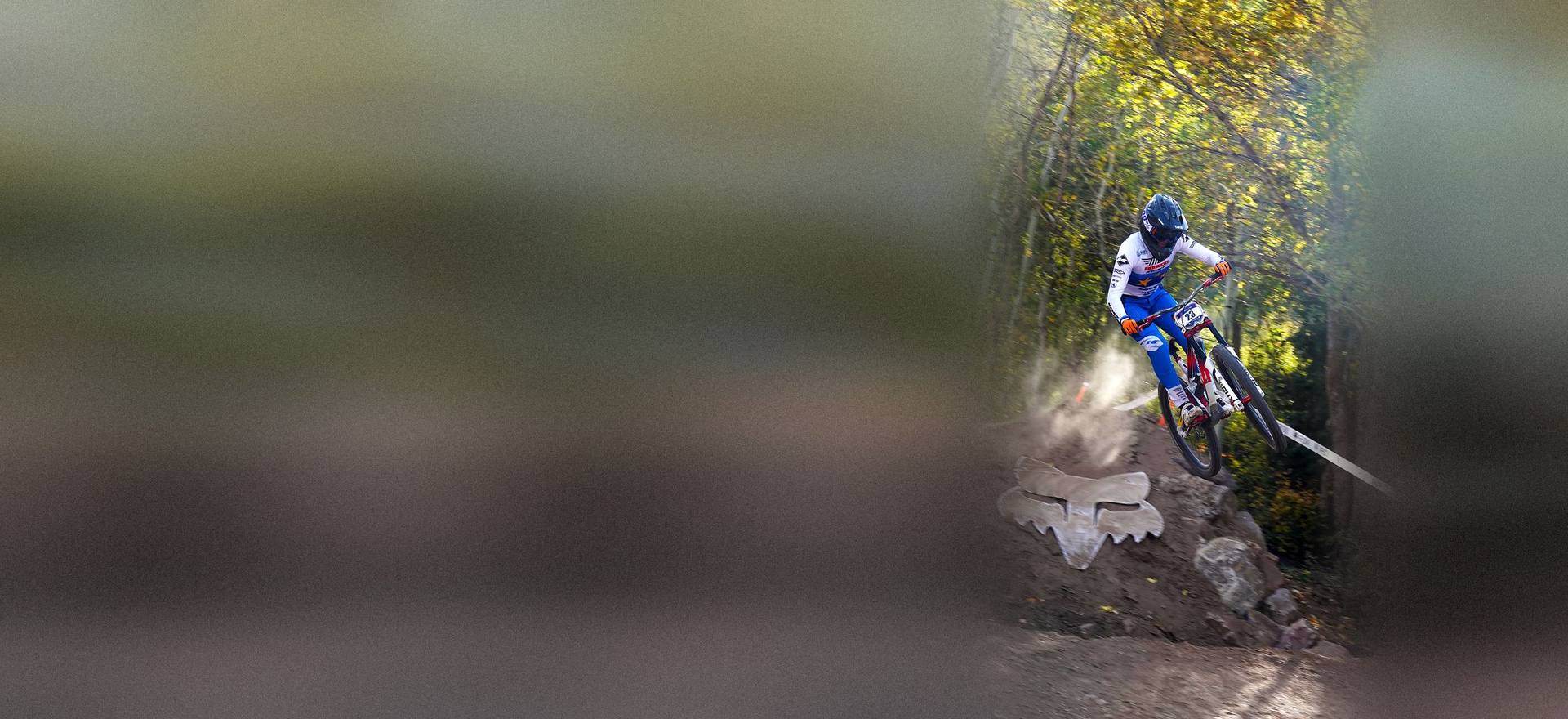
11th → 4th in the 2026 World Cup overall.
“We compare run by run, how I brake, where I brake and how much I brake.”
What you get
Put two runs of the same track together. See where you braked earlier, longer or harder, and which run carried more speed.
After every run, Key Opportunities point to the braking zones worth working on, right on the trail map.
Add your action camera footage and it lines up with your braking. Cameras that record GPS, like GoPro, sync automatically; others can be aligned by hand. Included for every rider.
Mark sections on the track once, like the rock garden or the last three turns, and compare each one across runs.
Race weekend
How a race weekend works with BrakeAce, from the first practice run to the last.
Step 01
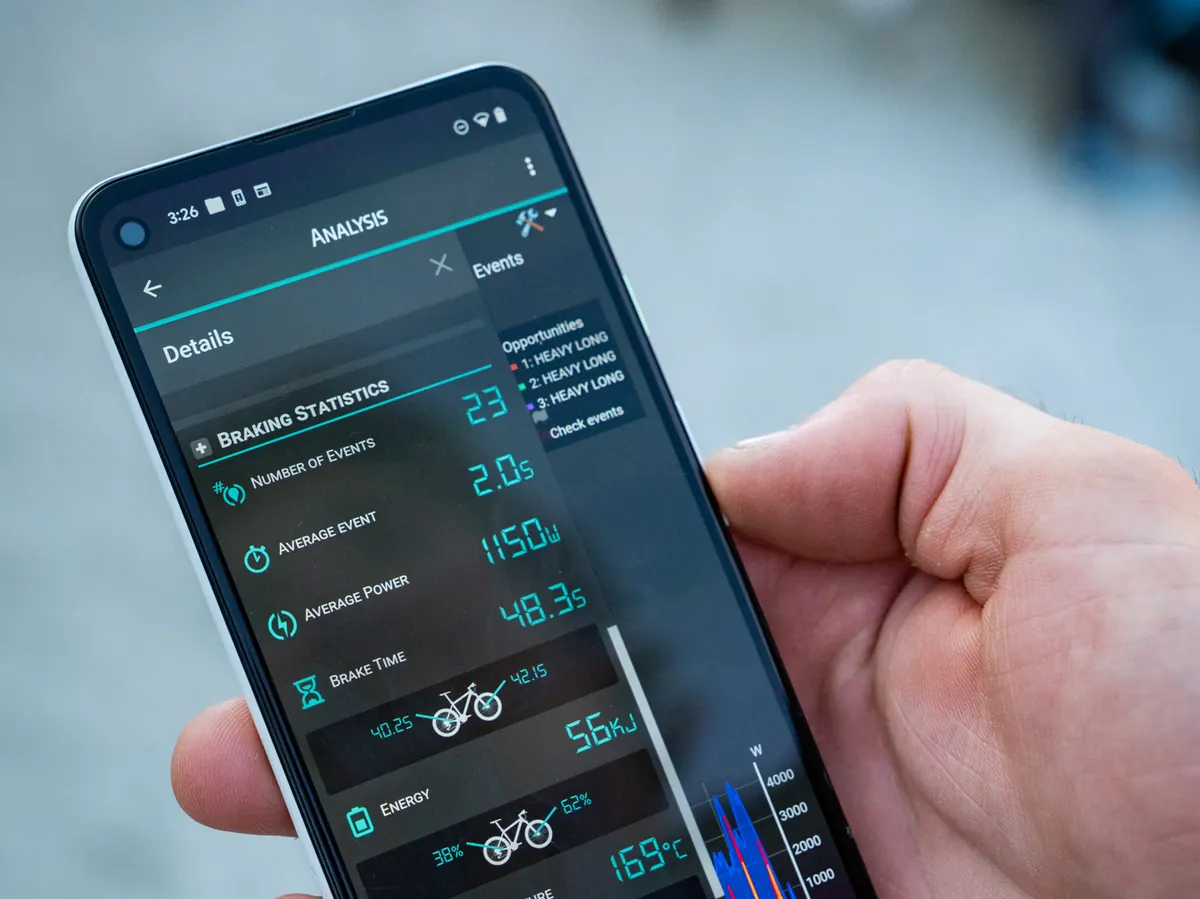
Start a recording on your phone (iOS or Android) or on your Garmin (beta) or Hammerhead Karoo (beta), and ride. Run your action camera as usual.
Step 02
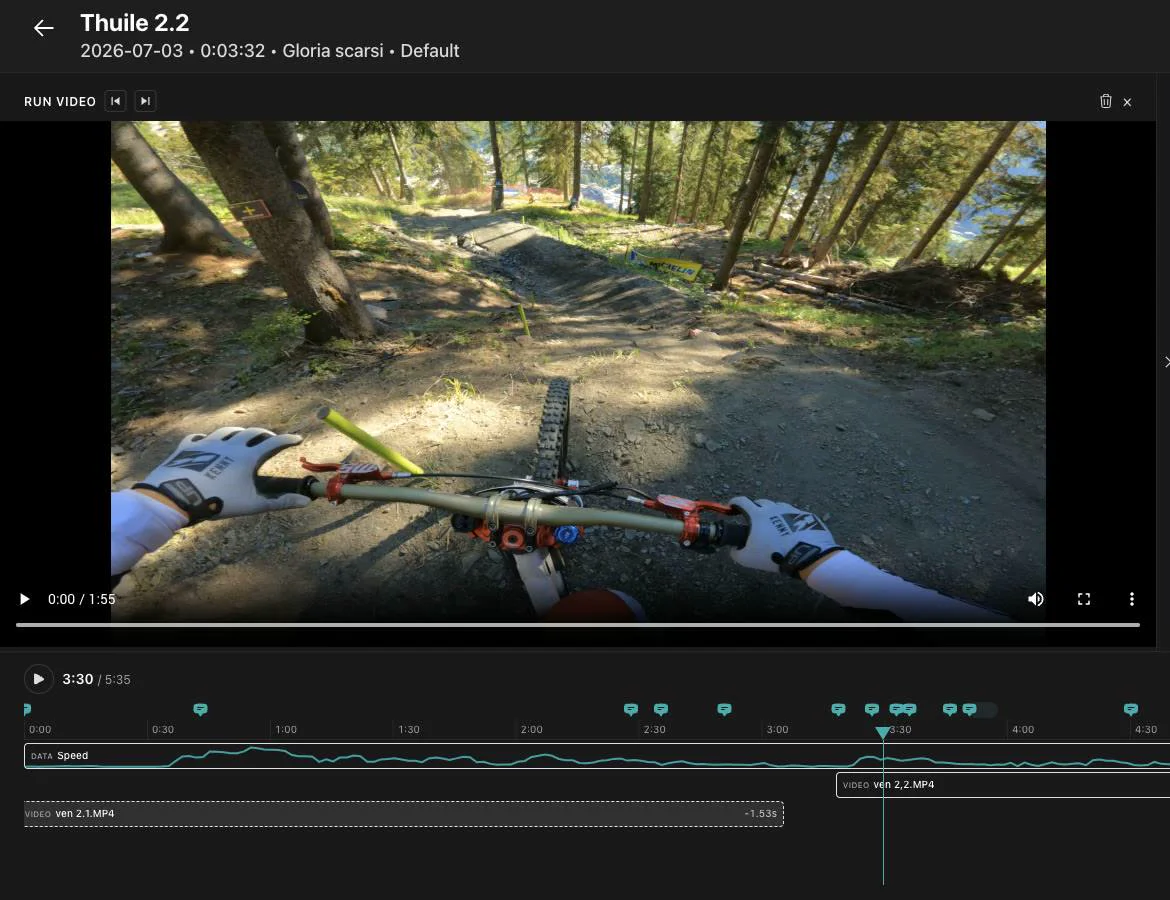
Open the run on the web dashboard: braking graph, trail map and video on one timeline. Scrub to any corner and see what your brakes were doing.
Step 03
BrakeAce highlights the braking zones with the most to gain, so you start there instead of guessing. Drag across this real race run to try it.
Real race run · Lenzerheide · Gloria Scarsi
Run time
0:00 / 4:38
Brake power
0 W
Brake intensity
0%
Front / rear balance
—
Ranked like the app: by FlowScore, how much of your speed each braking zone takes away.
Drag across the graph to scrub the run, or jump to the biggest braking zones.
Step 04
Line the new run up with the last one and see whether the change you tried actually worked.
Summary
The two runs, braking zone by braking zone.
Side by side
Both videos with linked playback on one master timeline, with start and finish markers.
Event Analysis
Your own track sections, compared run by run.
Step 05
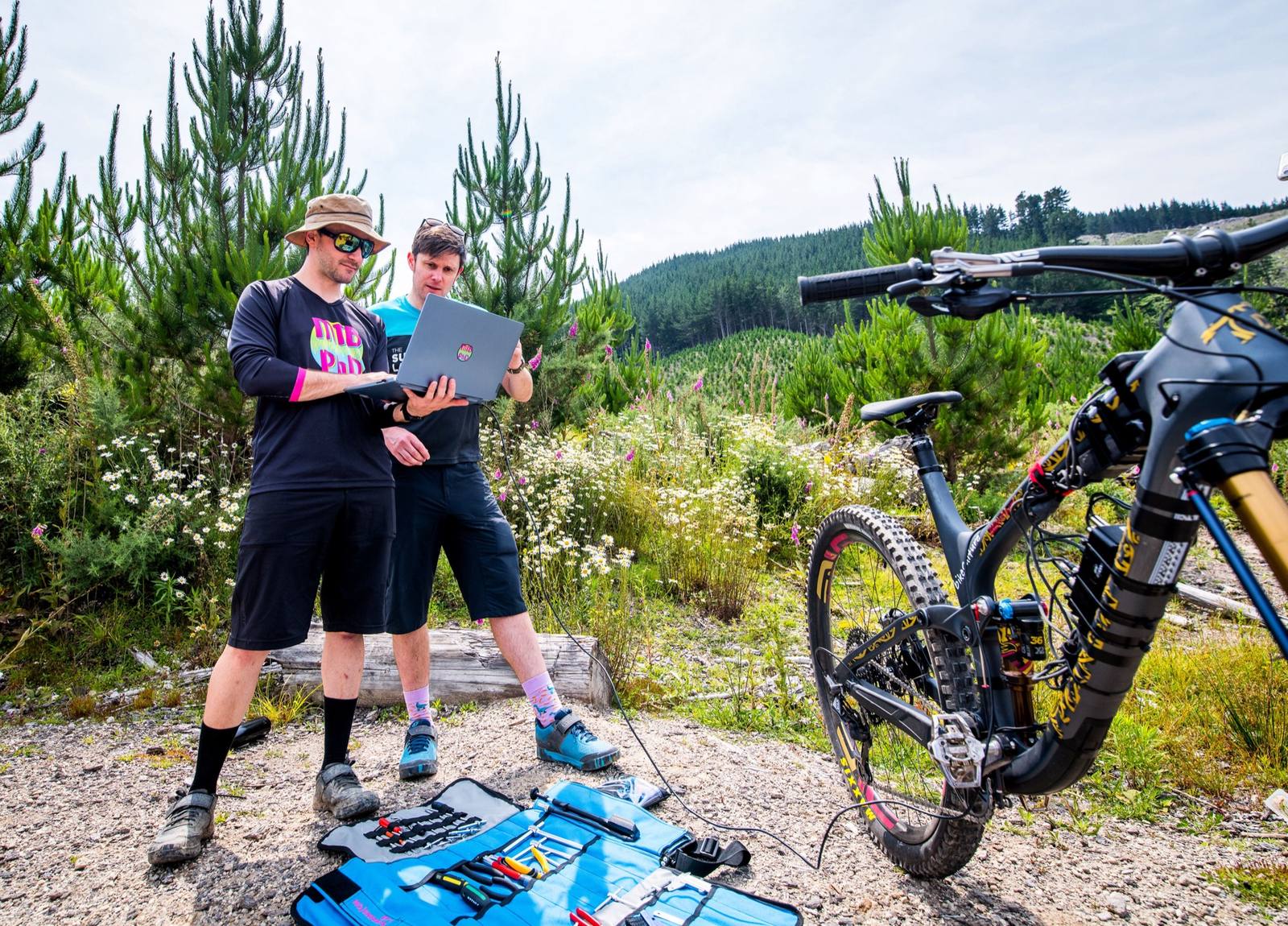
Agree what to try on the next run. Send a share link to your coach or mechanic: they open the same run and can leave comments on it.
Video sync
Every rider can sync action camera video to a run. Watch both together in the ride view, line two runs up side by side, or export a clip with speed, front and rear braking and the track map drawn on top.
Power tools
Define your own sections on a track and compare each one run by run. Save the set and reuse it on every visit.
Render a clip of your run with the braking data on top, ready to share with your team.
Turn a comparison into a report you can send to your coach, mechanic or team.
Take your runs into your own tools: export the braking data from every run and work with it the way you want.
Keep every run of a race weekend or test day together.
Estimates the potential time you could save in the braking zones of a run. It is a potential to work towards, not a promise.
A written read of your run that points to what to work on next.
Race prep
Mount the brake sensors, record your runs and compare the ones that matter.